Administration: Lead Admin Access Log
If you are an admin user, use Lead Admin Access Log to view all visits and changes to lead admin (old) in Outbound.
Please note that Lead Admin Access Log currently only records actions from Lead Admin (old).
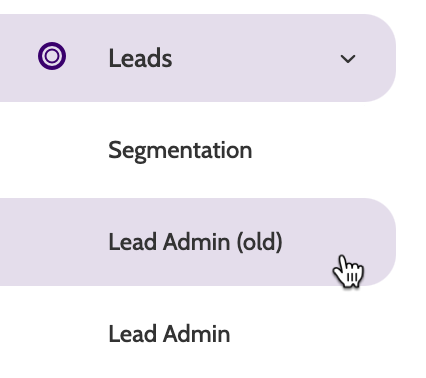
Lead Admin Access Log is part of our advanced admin features that make it easy to maintain GDPR compliance.
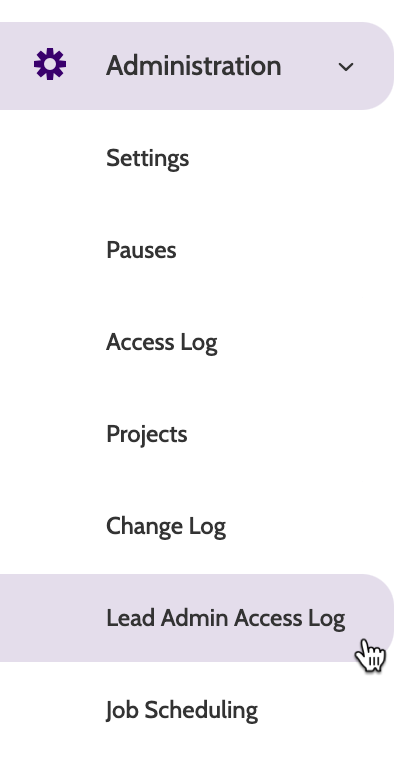
Lead Admin Access Log can be found under the Administration menu.
In the navigation page, you will see a list of all access attempts to lead admin, along with Time, User name, Access Type, and the Lead View Name.
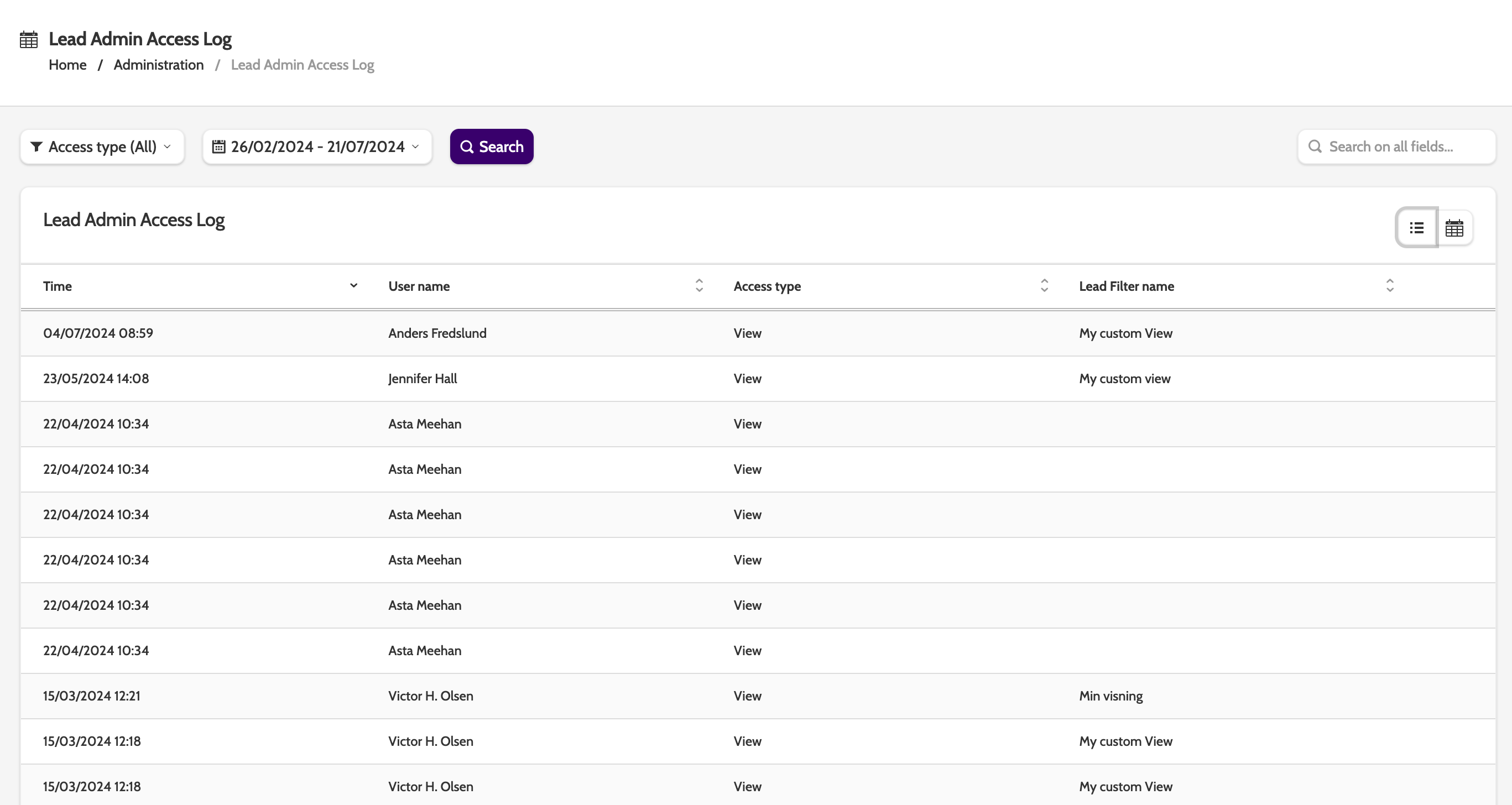
The default is list view. To view the lead admin access log as a calendar, click the calendar icon to the right of the navigation page.
In the calendar view you will see a daily breakdown of access attempts.
Change the time period by clicking the arrows next to the date.
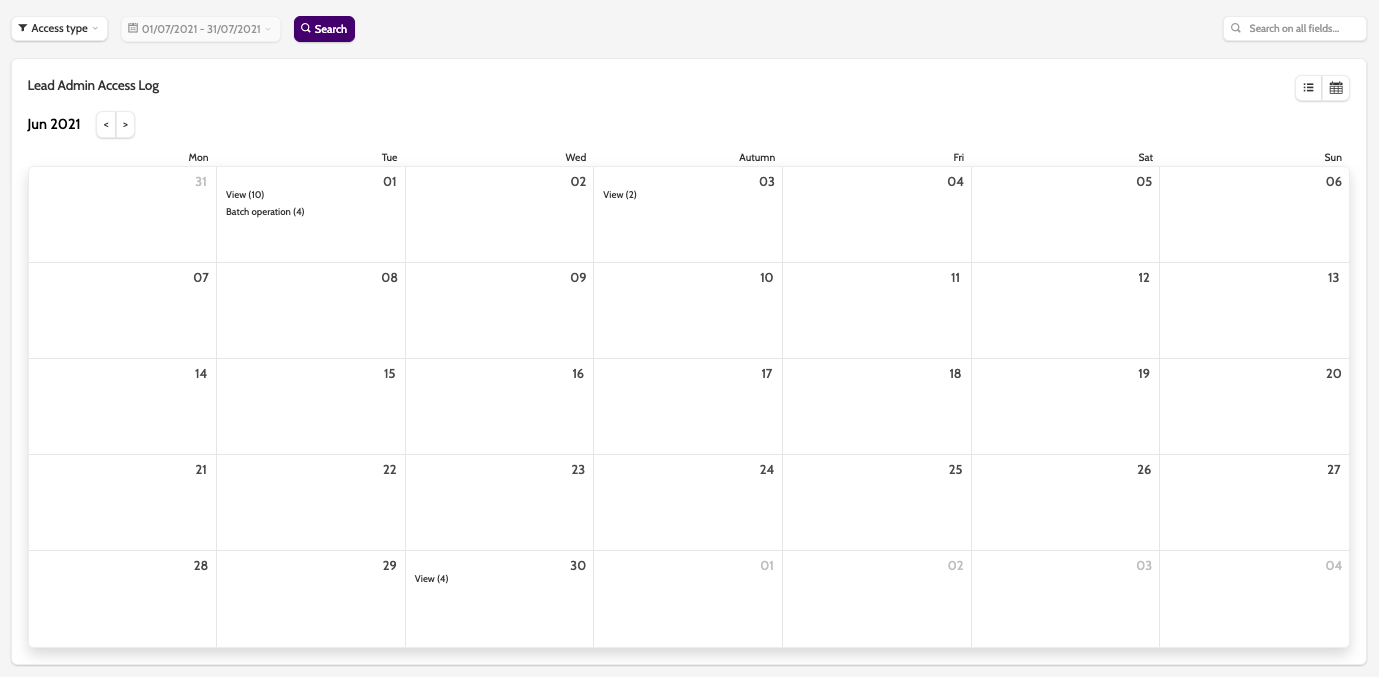
In the top menu are a list of different filters.
Expand the Access type menu to select what changes you want to view.
Choose between Views, and Batch Operation.
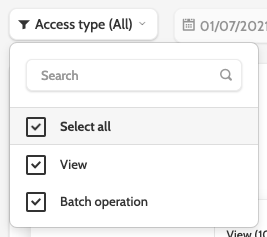
A view is when a user views the leads in Lead Admin (old), and a batch operation is when changes are made to more than one lead.
Finally, select the time period you want to view the change log for.
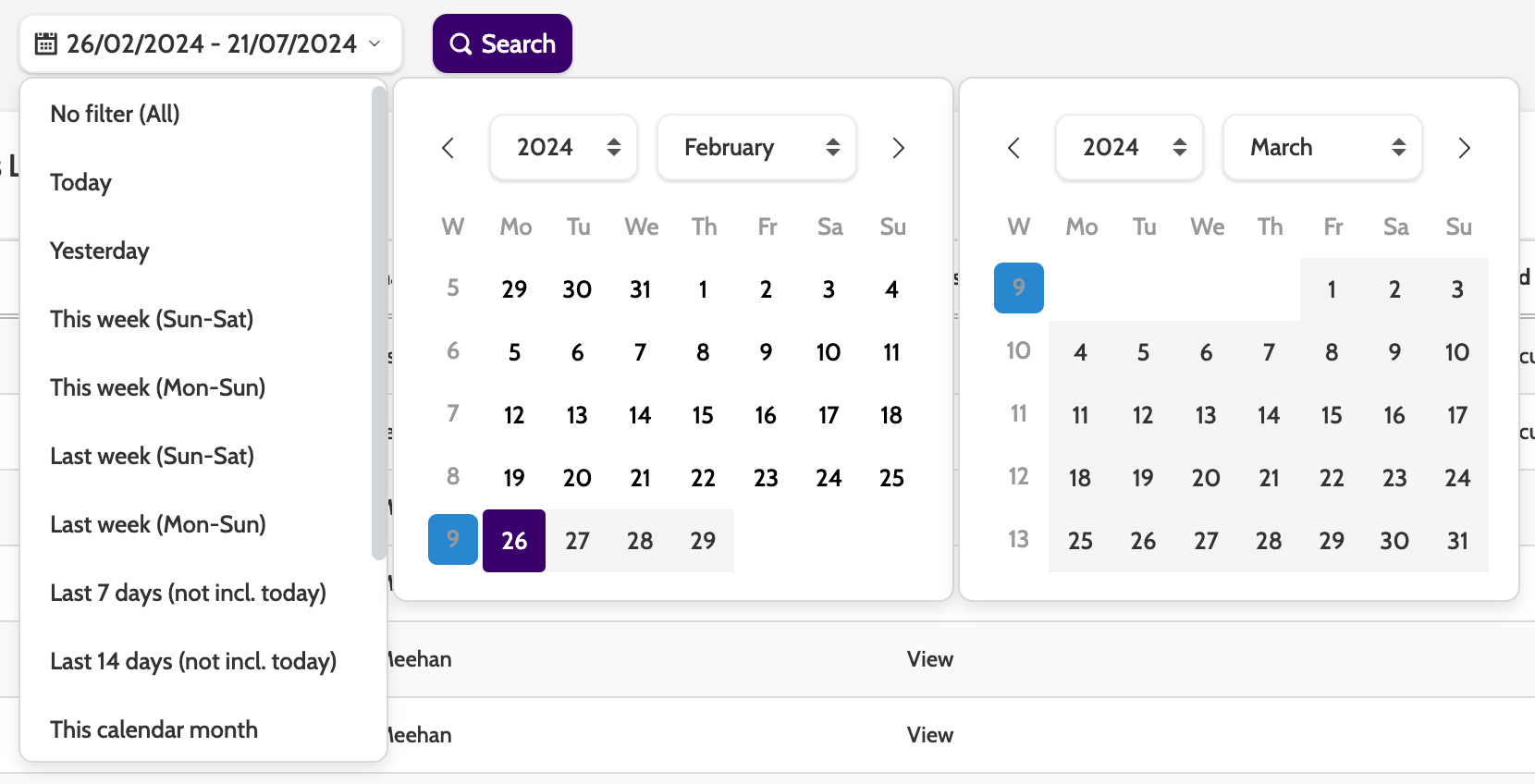
To update your search with the filters, click Search.
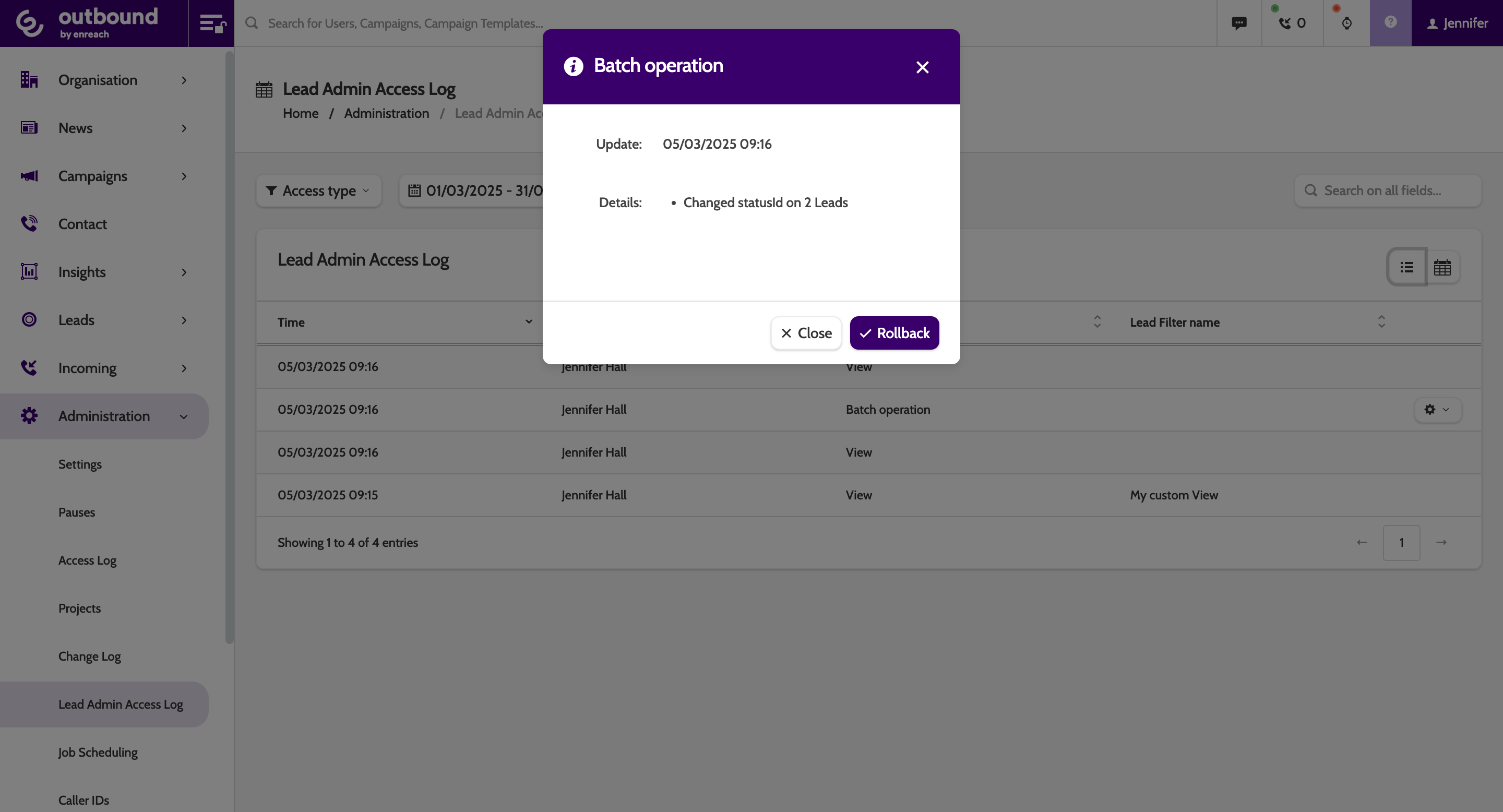
If a user performed a batch operation, click the cog to view the details, and roll back the changes if necessary.