Insights: Pulse
With Pulse, you can view agent's call results for a given period of time.
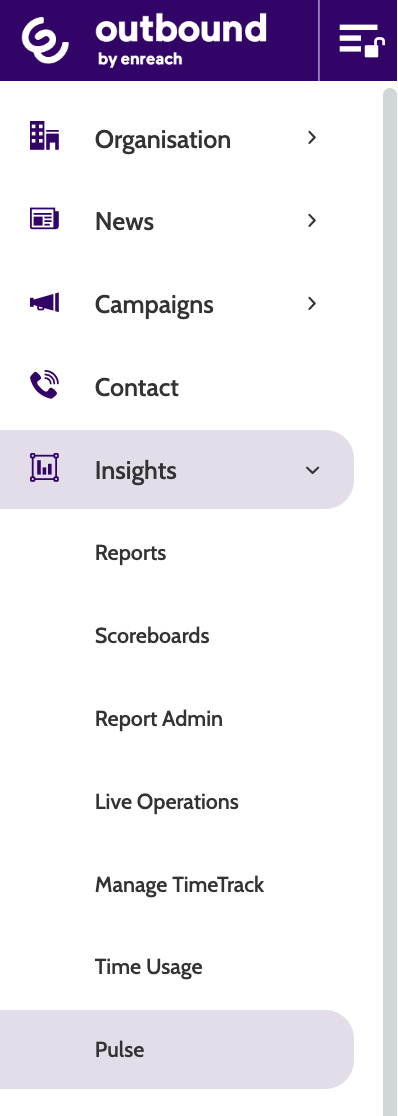
To access Pulse, expand the Insights drop-down menu and select Pulse.
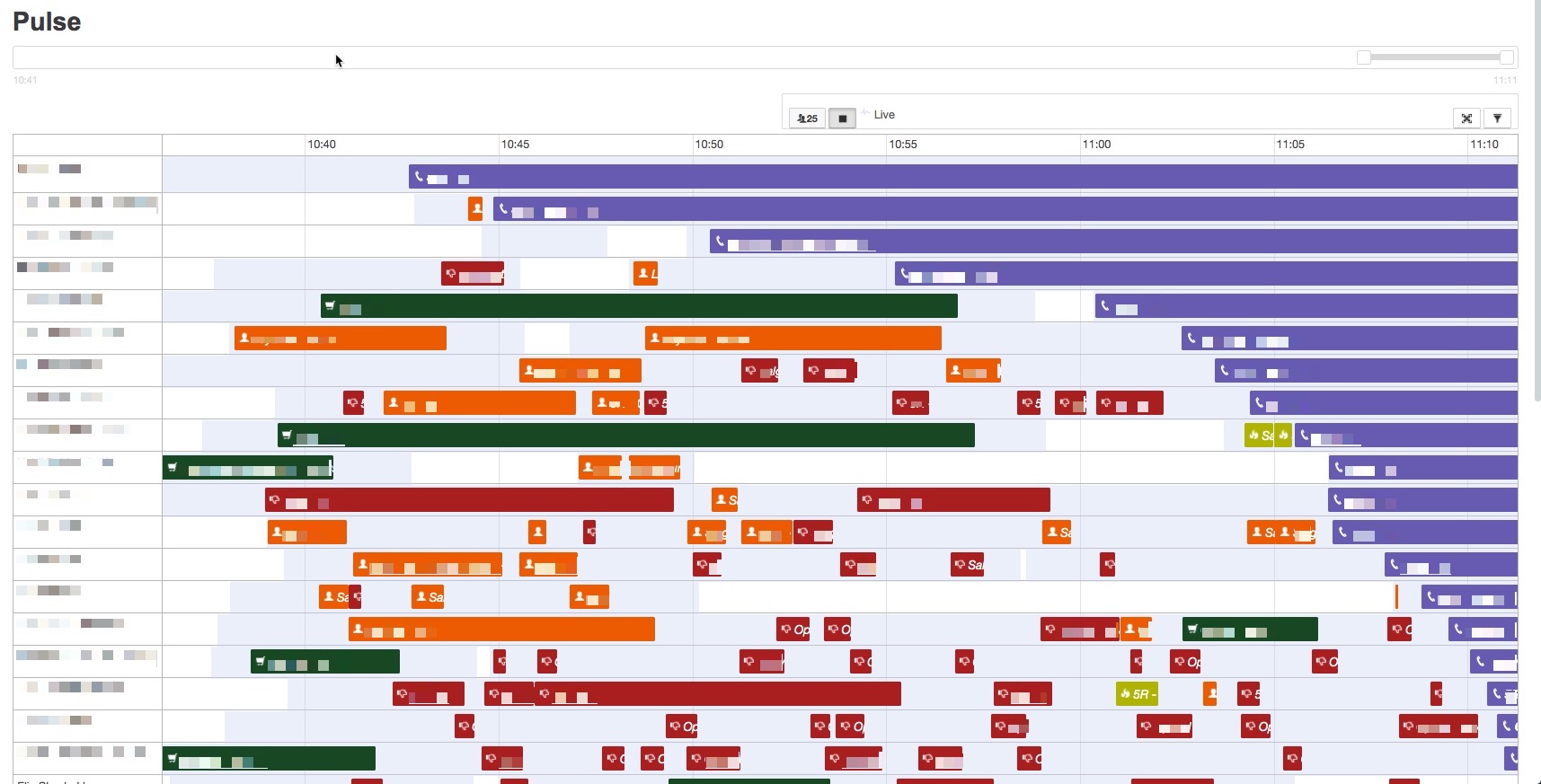
You will see a chart of active agents in Outbound, with a colour-coded breakdown of their calls by call status.
In the top of the navigation, click on the user icon to only display users with an active agent line.
Click the stop icon to temporarily disable the live view to adjust the period of time shown.
Click and drag the arrow on the right to determine the end time that is shown, and the left arrow to determine the start time.

Click the arrows to toggle the view to fullscreen, and the filter to configure which organisational units and call statuses are shown.
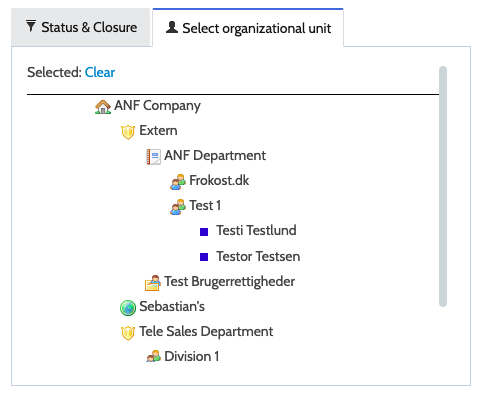
Under Select organisational unit, click on the teams you want to view.
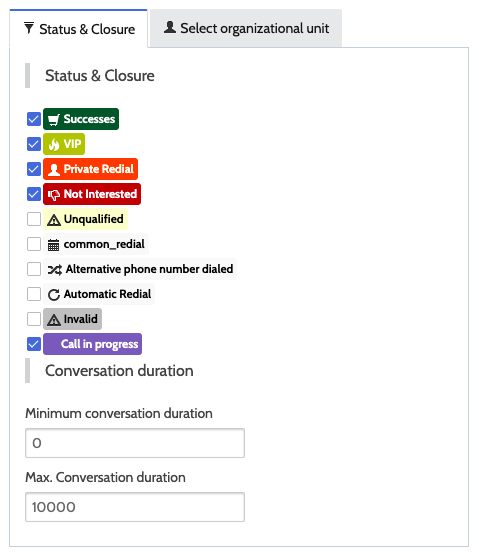
Under Status & Closure, choose which call statuses you want to view.
Statuses are colour-coded so it is easy to gain an overview agent performance.