
Troubleshooting with PingPlotter
If you experience connection problems in Outbound, then our support team might recommend for you to temporarily install a software called PingPlotter, in order to effectively pinpoint issues and prevent them from reoccurring.
What is PingPlotter?
PingPlotter is a free network performance monitoring and troubleshooting tool that provides a complete picture of your network health, enabling service providers to diagnose and fix network problems efficiently.
Read more about PingPlotter here.
Is it safe?
Yes, PingPlotter is an established and trusted software to troubleshoot latency, jitter, and packet loss.
Additionally, PingPlotter only collects ping and trace route data (including IP address/DNS name of the destination and intermediate hops), and the Machine Name of the device on which the agent is installed. PingPlotter does not track websites visited, applications used, or sells personal information.
Setup and installation
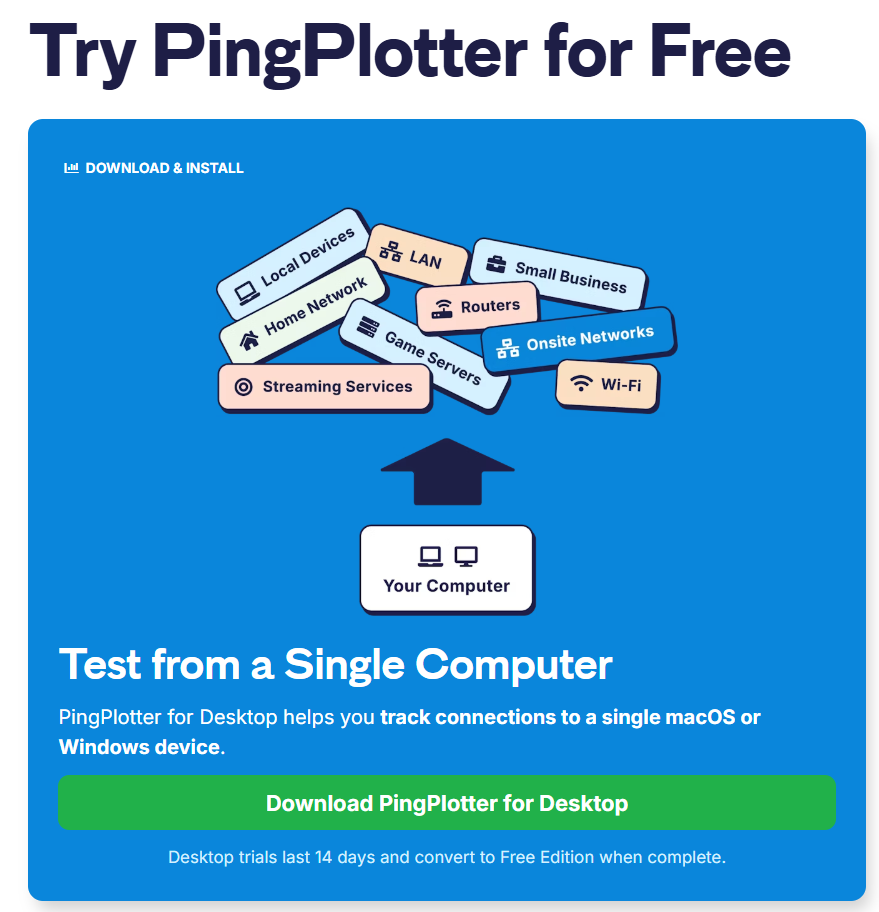
Visit the PingPlotter website and try Pingplotter for Free.
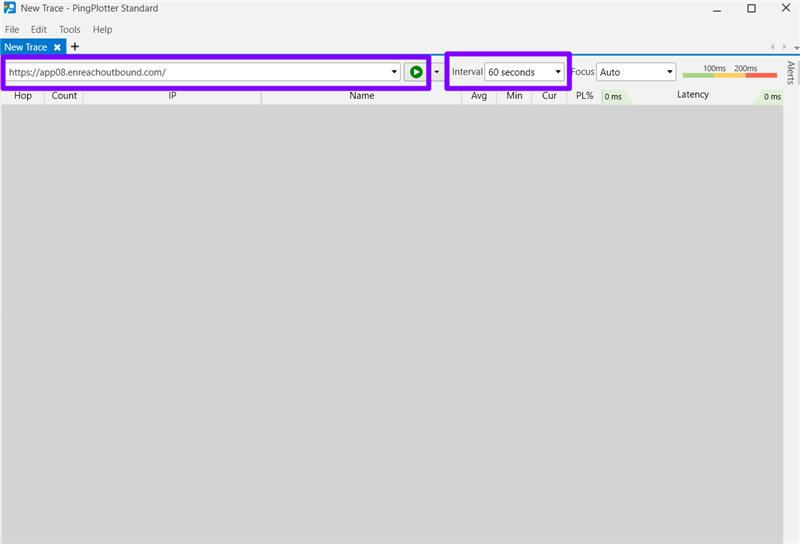
When it has downloaded, open the application and enter your Outbound URL in the target name, and change the interval to 60 seconds:
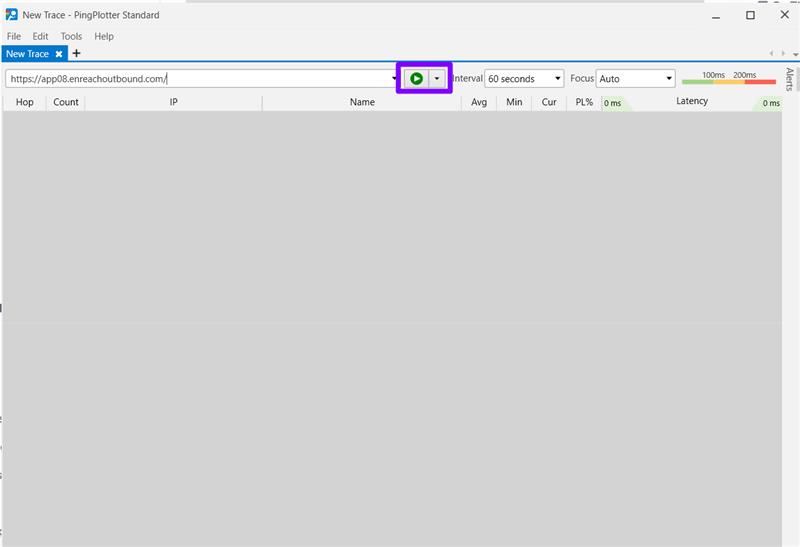
Click the green arrow to begin the trace:
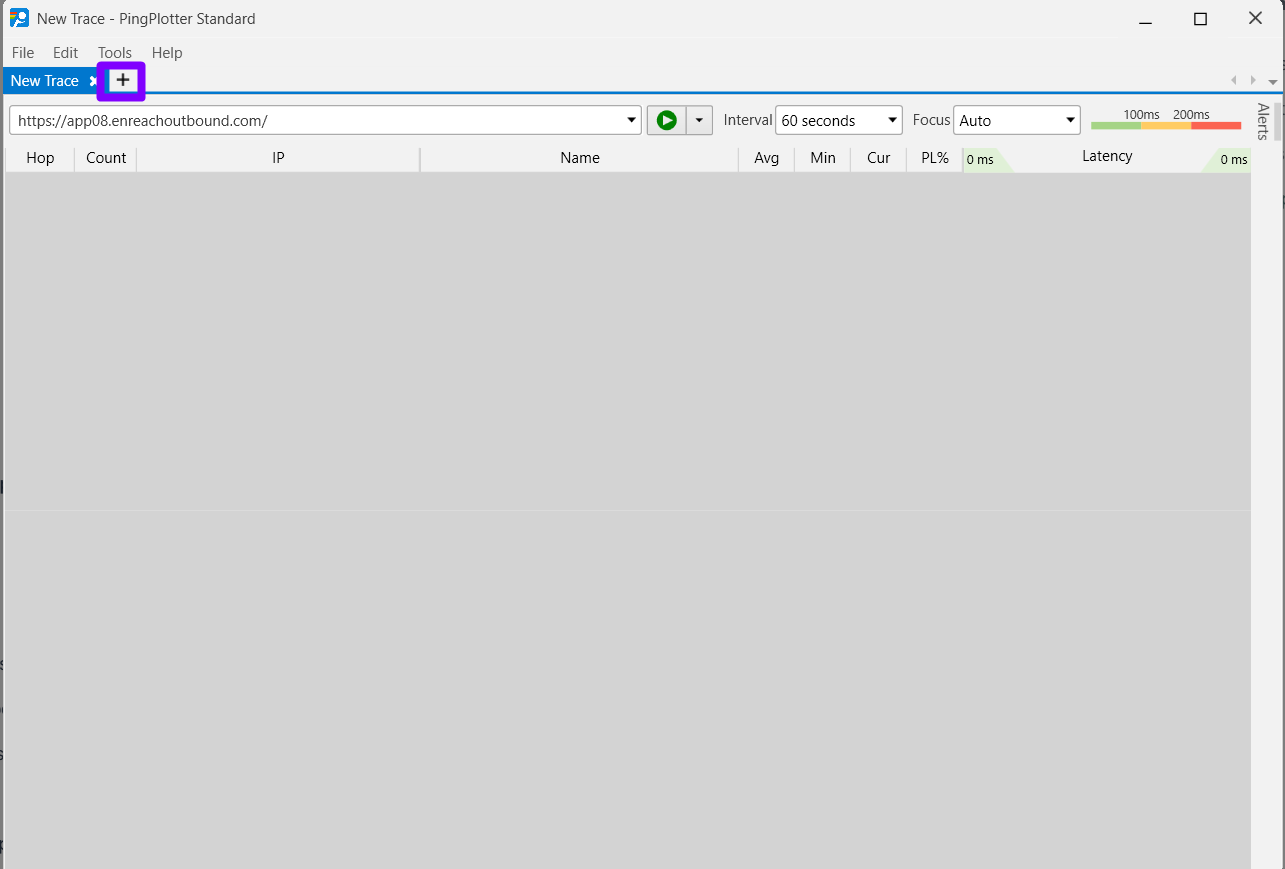
Open a new trace by clicking the "+" sign next to your first tracer:
Next, add "google.com" and change the interval to 60 seconds.
Tracing Google at the same time will provide a benchmark to analyse the
Click the green arrow to start.
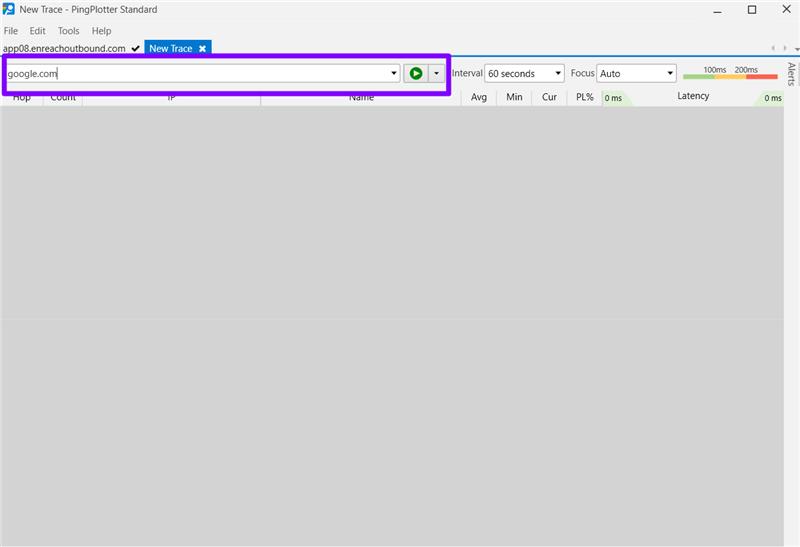
This will run in the background for the entire day to catch any delay or internet disturbances.
To save the data, click File → Export Sample Set (PP2) → All Data.
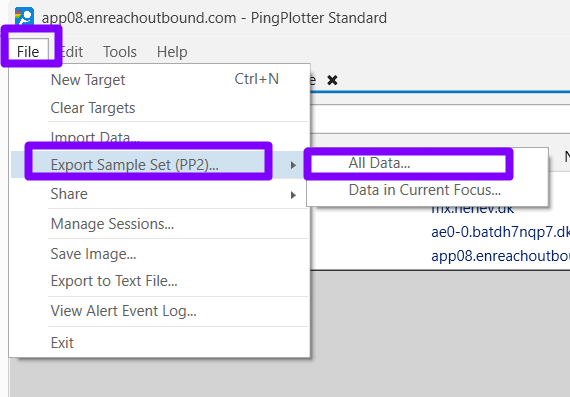
Save the file on your computer and send it to the support email.