
Leads: Create Lead
Use Create Lead to create individual Leads in any of the campaigns in your organisation.
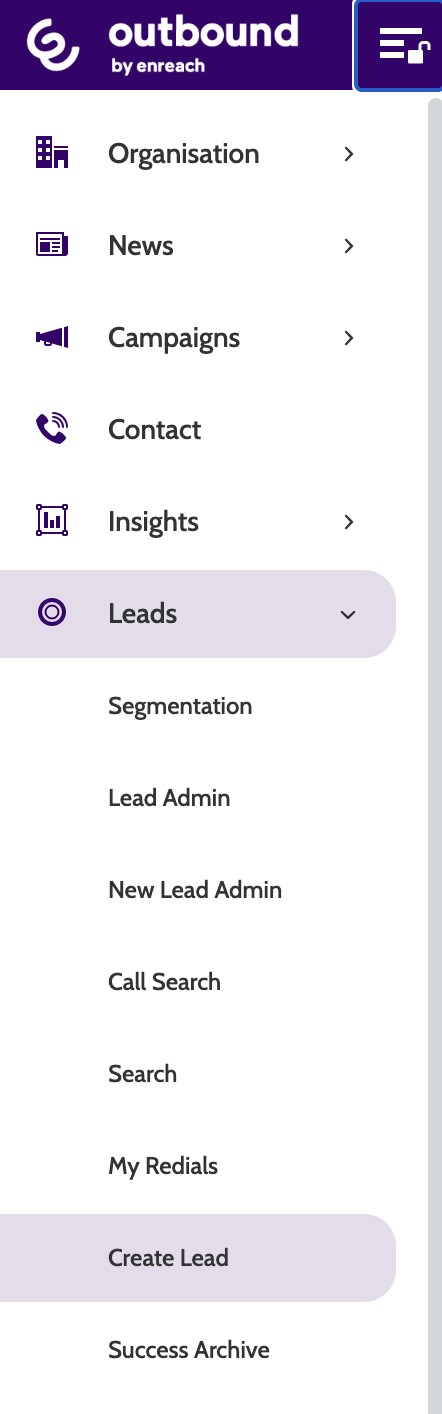
Create Lead can be found under the Leads menu .
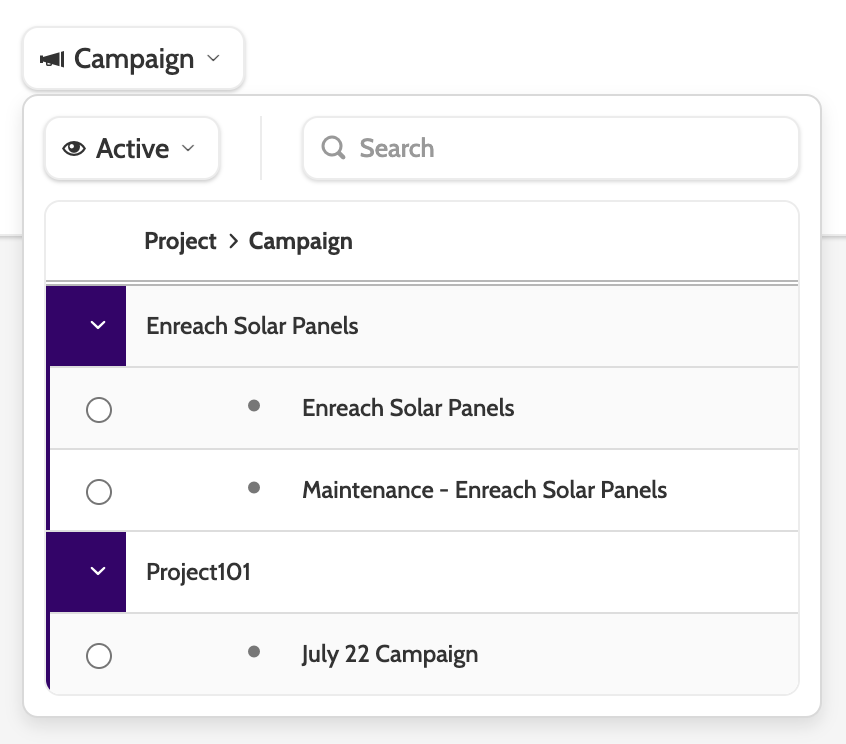
In the dropdown menu, select the campaign you want to cloned lead to belong to.
Click Create Lead.

The contact page will open.
Enter the information about the lead you want to create in the relevant data fields, including a mandatory phone number.
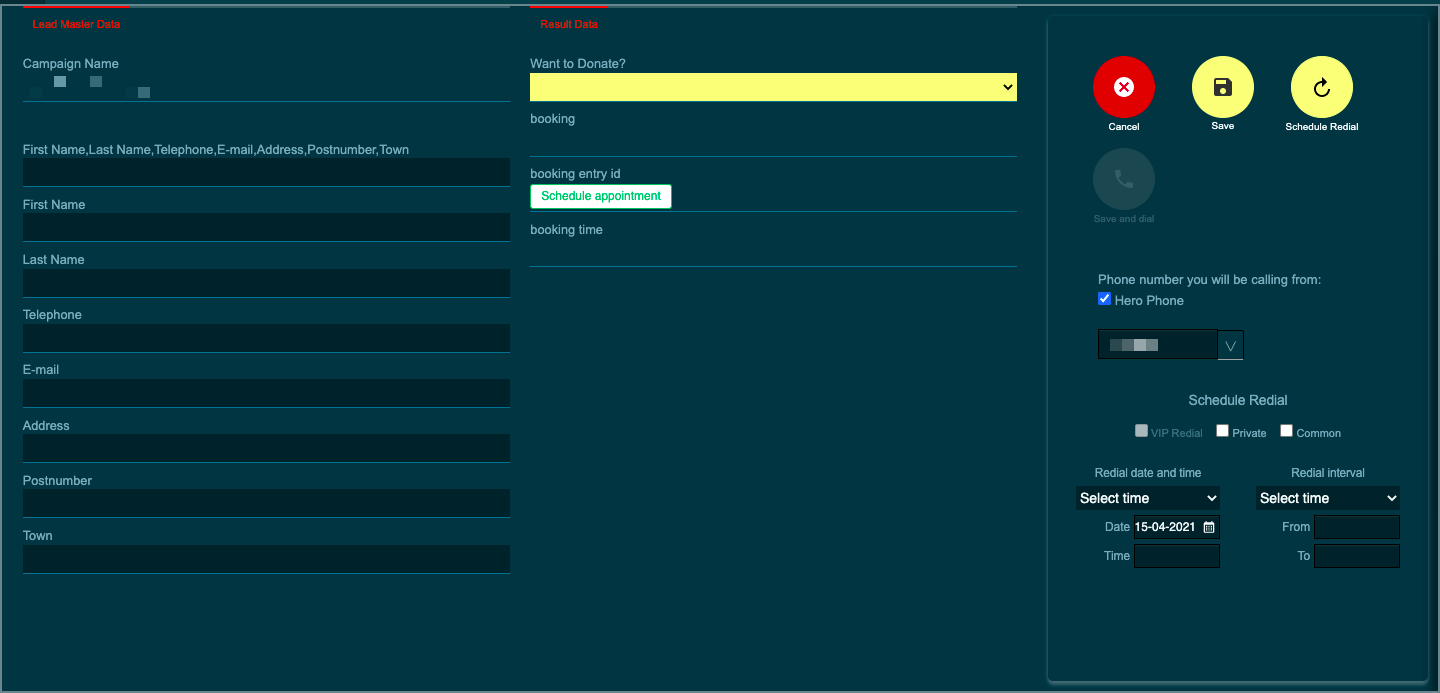
Schedule a redial, click Save to save the new lead, or Save and Dial to immediately call the lead. 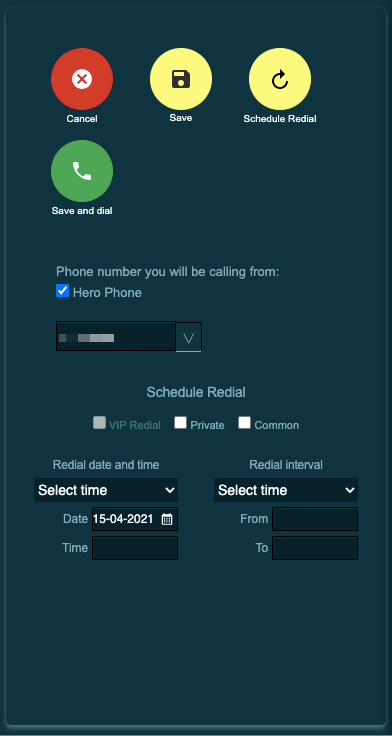
Last updated: 3/20/25, 1:05 PM