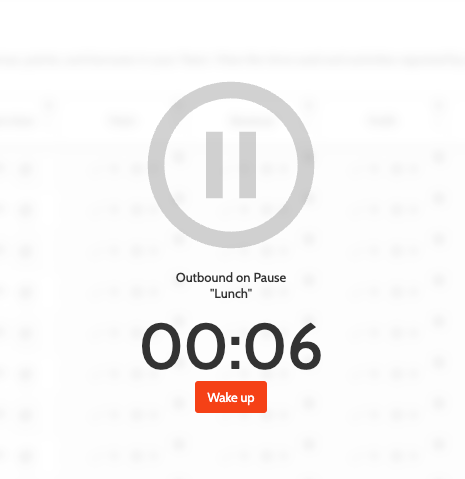
Administration: Pauses
If you are an admin user, you can create different pauses for users in Outbound. Pauses will then be recorded in Insights > Time Usage.
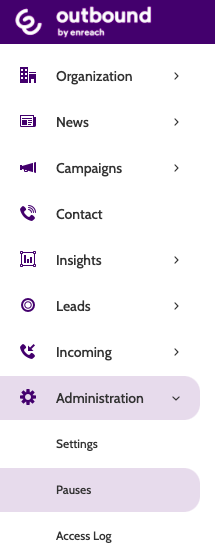
Pauses can be found under the Administration menu.
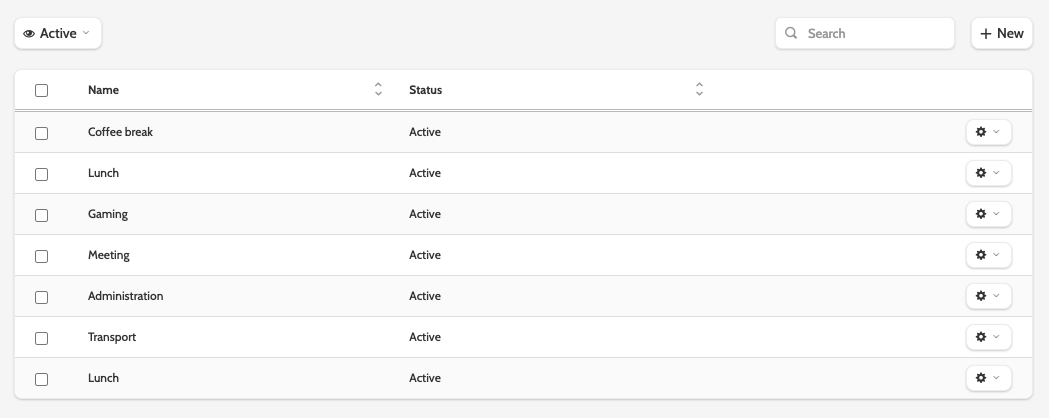
In the navigation, you will see a list of all active pauses for your organisation.
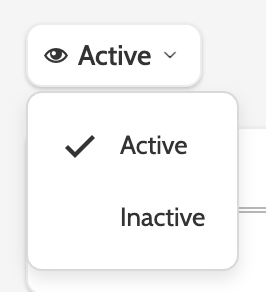
To view inactive pauses, expand the Active drop-down menu and select Inactive.
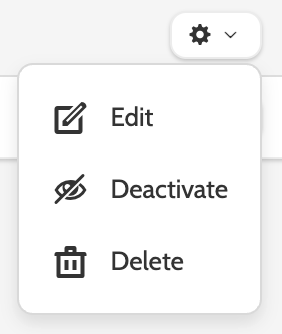
Click the cog to Edit, Activate, Deactivate, or Delete a pause.
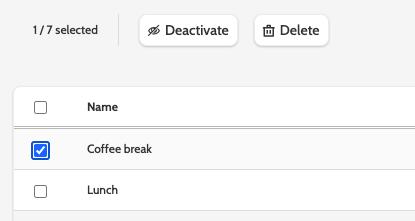
You can also deactivate or delete pauses by checking the boxes and selecting the action you wish to perform.
Creating pauses
Click + New to create a new pause.
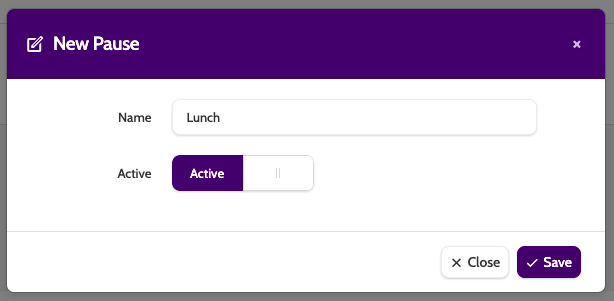
Enter the pause name, toggle between active and inactive to set the pause status, and click Save.
Using pauses
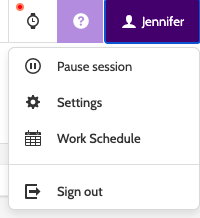
When you want to pause a session in Outbound, a user will expand the profile menu and click Pause session.
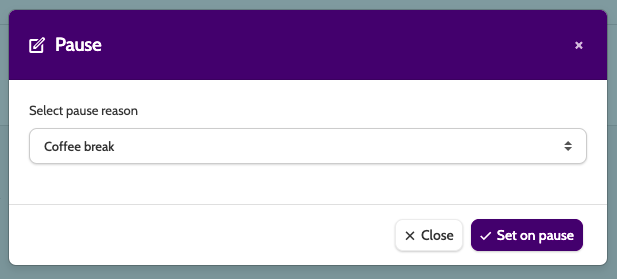
Select a pause reason from the menu, and click Set on pause.
Outbound will be dimmed and on pause, until the user clicks Wake up.