Leads: Call Search
If you are an admin, call search can be used to search all calls made in Outbound, check their lead status and result, and listen to call recordings.
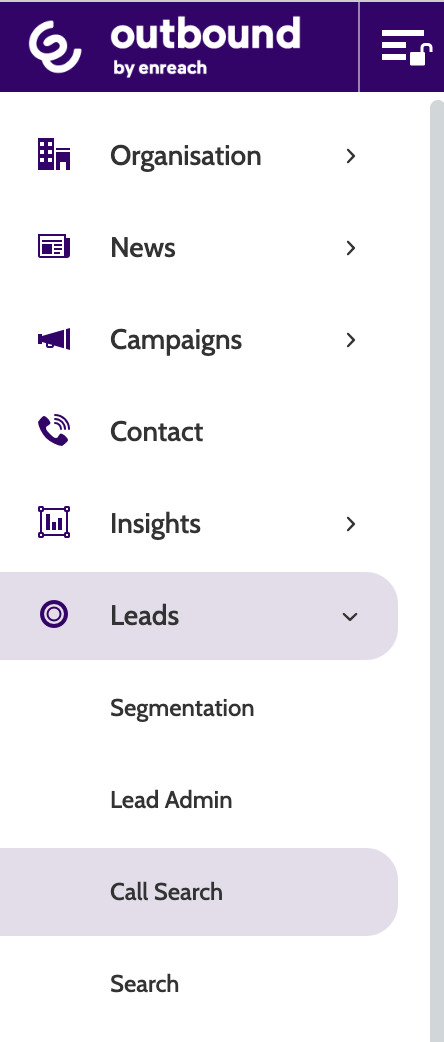
Call Search can be found under the Leads menu.
To search for a call made to a specific lead, enter the phone number in the search bar.

You can also use the top menu to filter calls based on Campaigns, Users, Status and Results, and Date range.

Campaigns
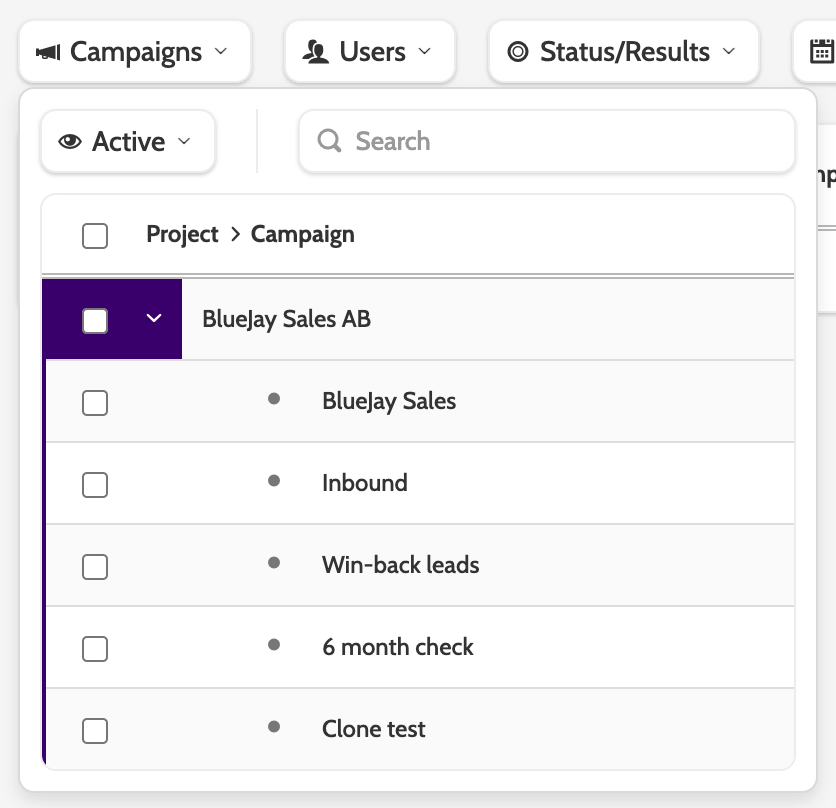
Expand the Campaigns menu to filter the search by projects or campaigns.
Users
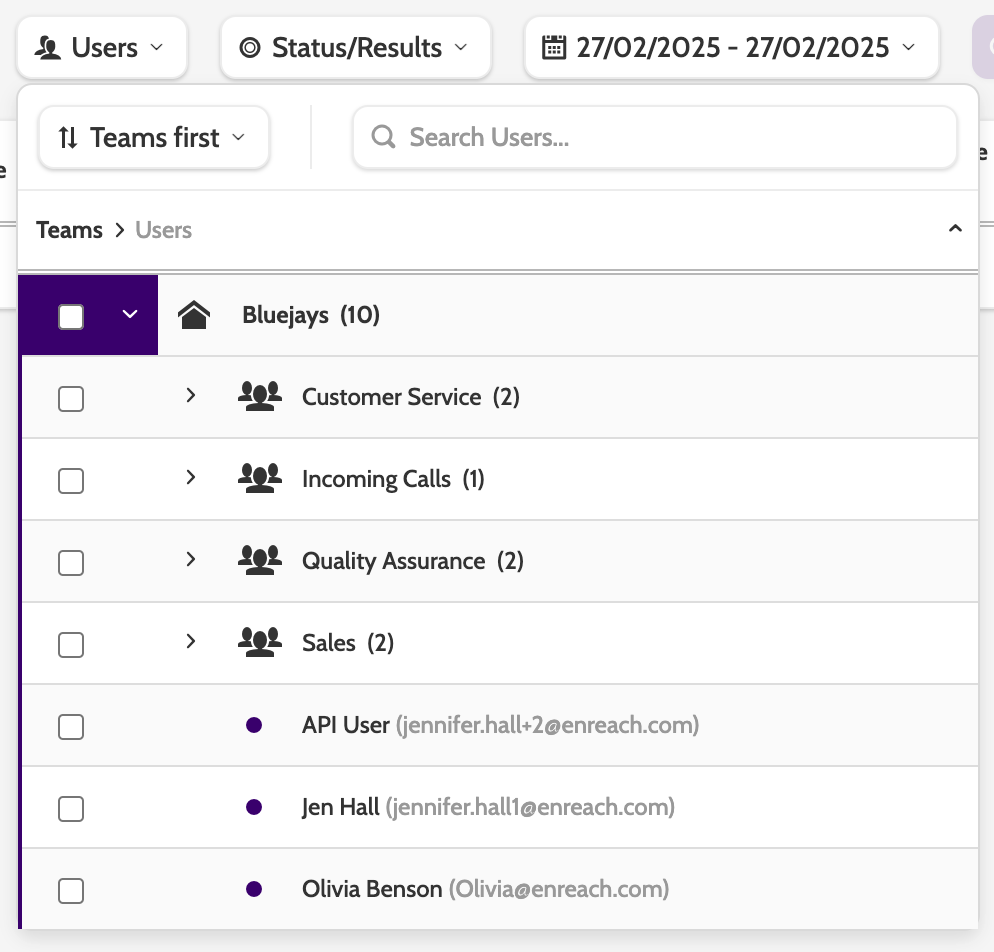
Expand the Users menu to filter search by calls placed by certain teams or users.
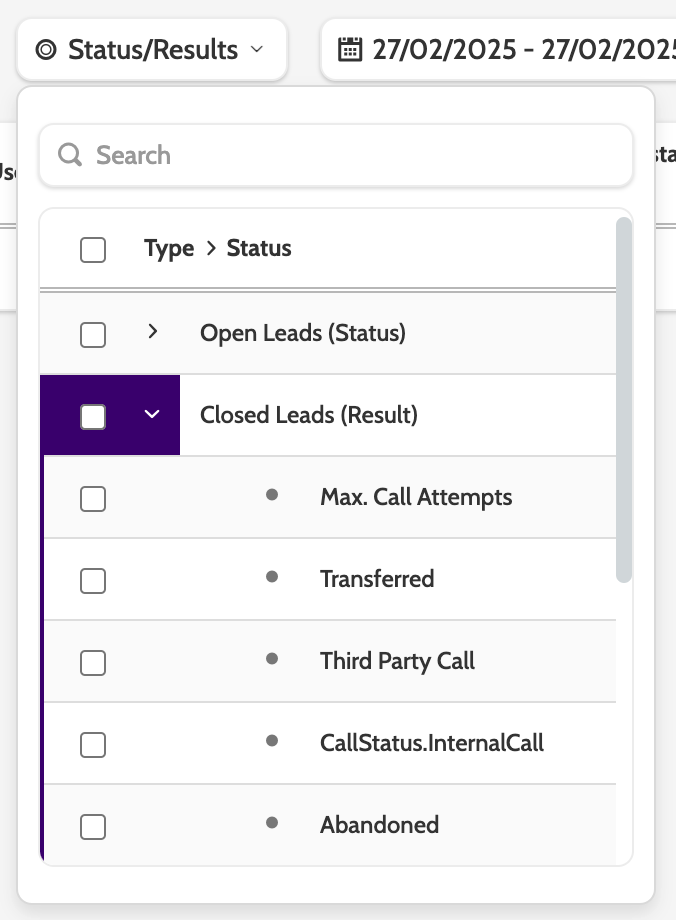
Status/Results
Expand the Status/Results menu to filter the search by Call Status or Call Result.
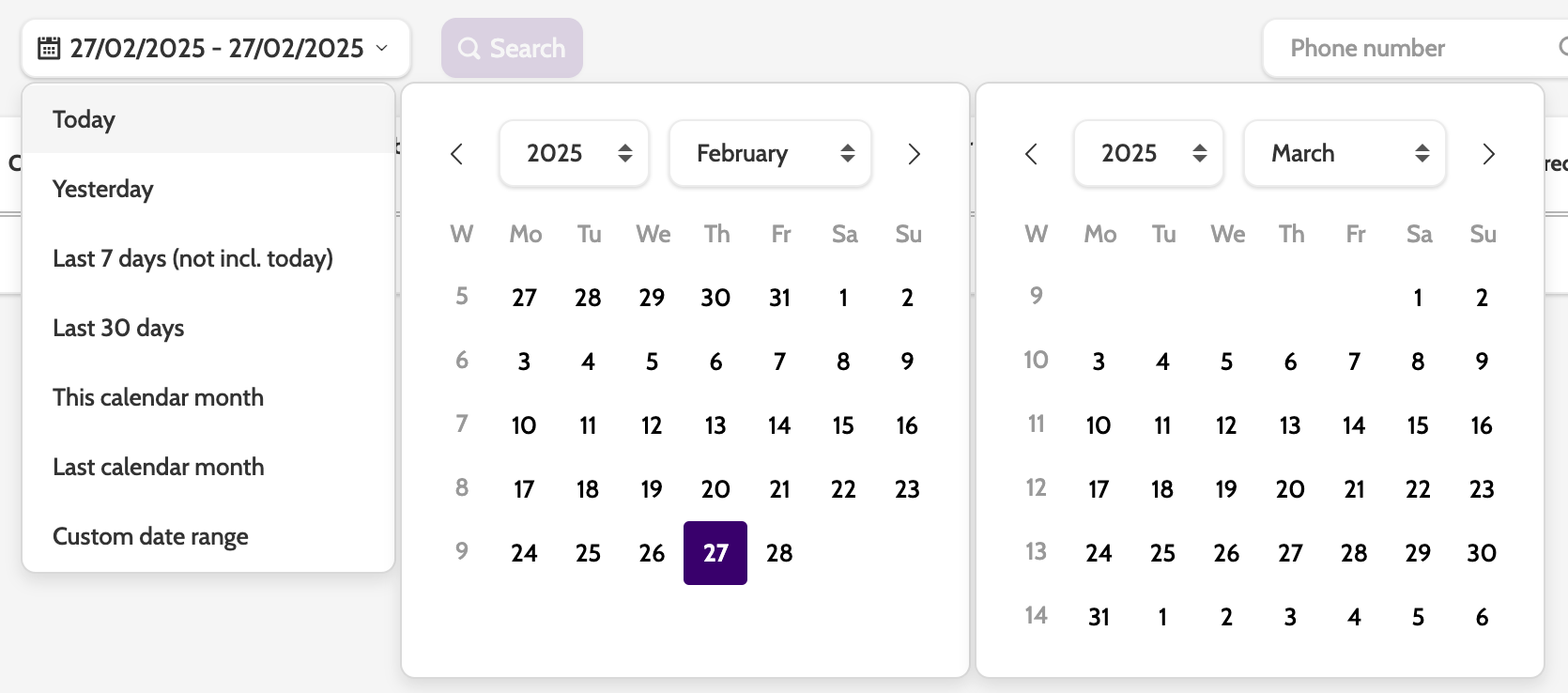
Date range
Expand the date range menu to filter the search by a default or custom date range.
When you have selected your filters, Click Search to view the results.
Call search results will look like the image below:
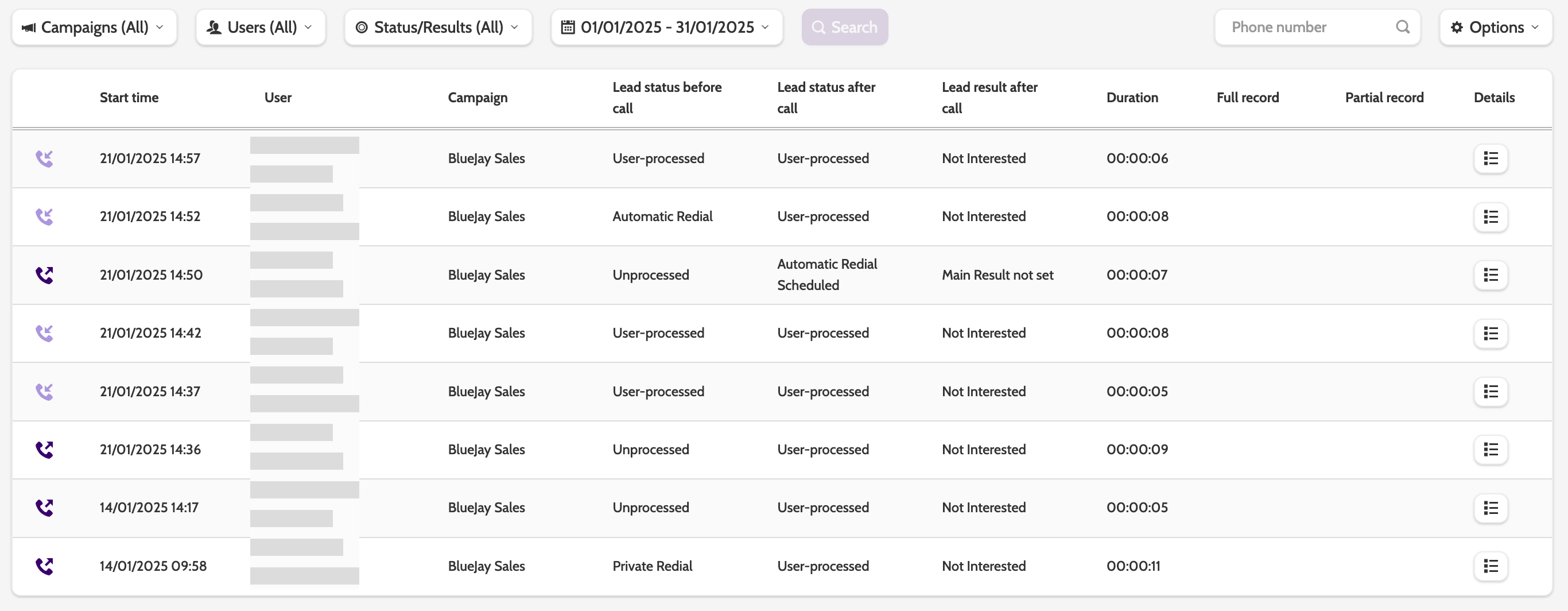
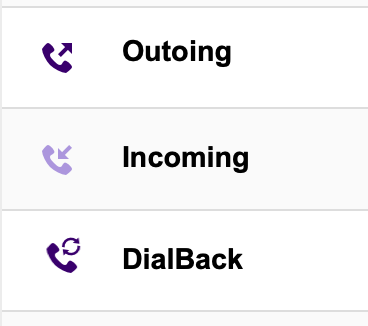
Call types
Calls are categorised as Outgoing, Incoming, or DialBack.
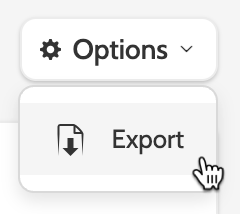
To export the search result data as a CSV file, expand the Options drop-down menu and select Export.
If the call has been recorded, click the play icon to play the recording, or the download icon to download the call as an mp3 file.