Flows: Order Confirmation reports
In Order Confirmation reports you can view reports for all of your order confirmations, including how many have been sent and signed.
Order Confirmation reports can be found under the Reporting menu.
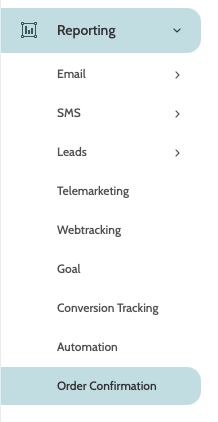
In the navigation page, begin building your report with the filters:
- Order Confirmation: choose an existing order confirmation from the menu to view a report on
- Status: select the order confirmation statuses to filter the report by. Choose between Signed, Expired, Declined, and Waiting
- Date: use the date picker to choose a custom or preconfigured date range for your report.

Click Search to view the report.
In the first part of the report you will see the number of order confirmations in each status.
Below that is each lead that has been sent an order confirmation, including the status of the order confirmation.
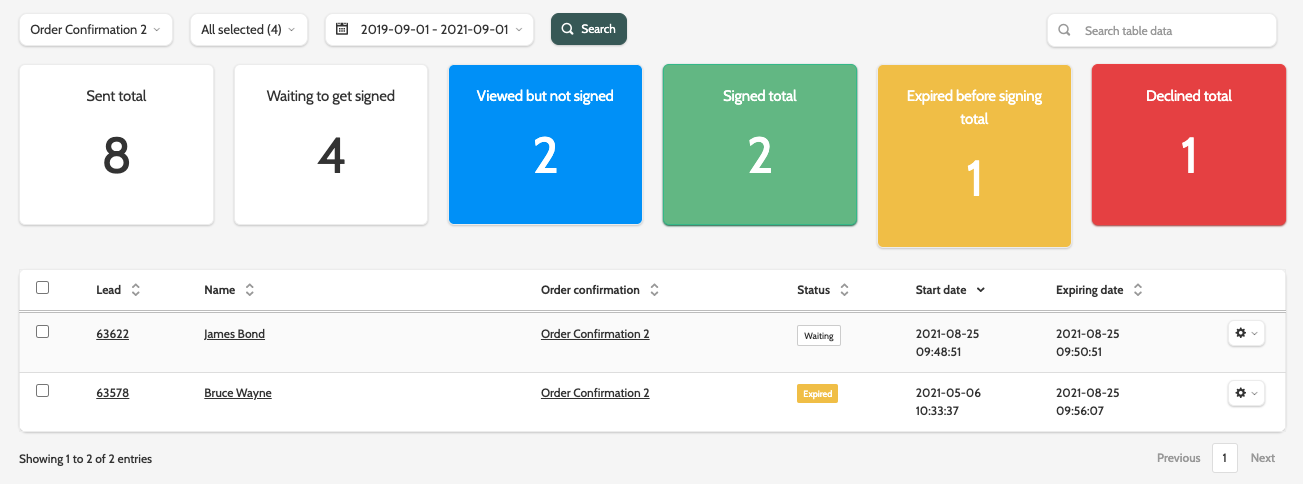
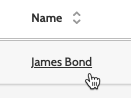
Click on the lead's name to be taken to their order confirmation.
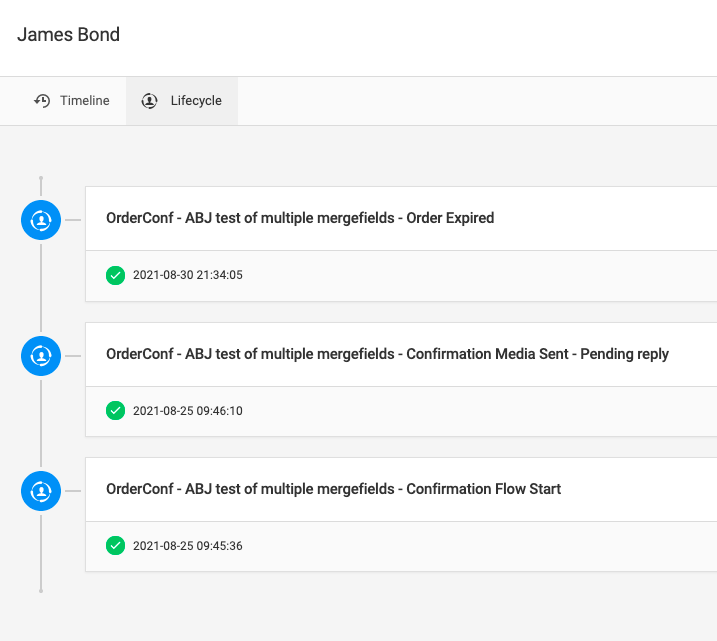
Here you can view the order confirmation Timeline and LifeCycle, and resend any communications to the lead.
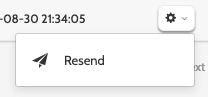
To resend an order confirmation, click the cog to the right of the lead, and click Resend.
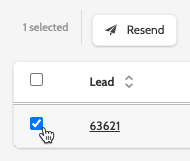
To resend order confirmations to multiple leads, check the boxes of the lead and click Resend.